
Planditor for Windows
Planditor as a Windows app, the same workspace in its own window
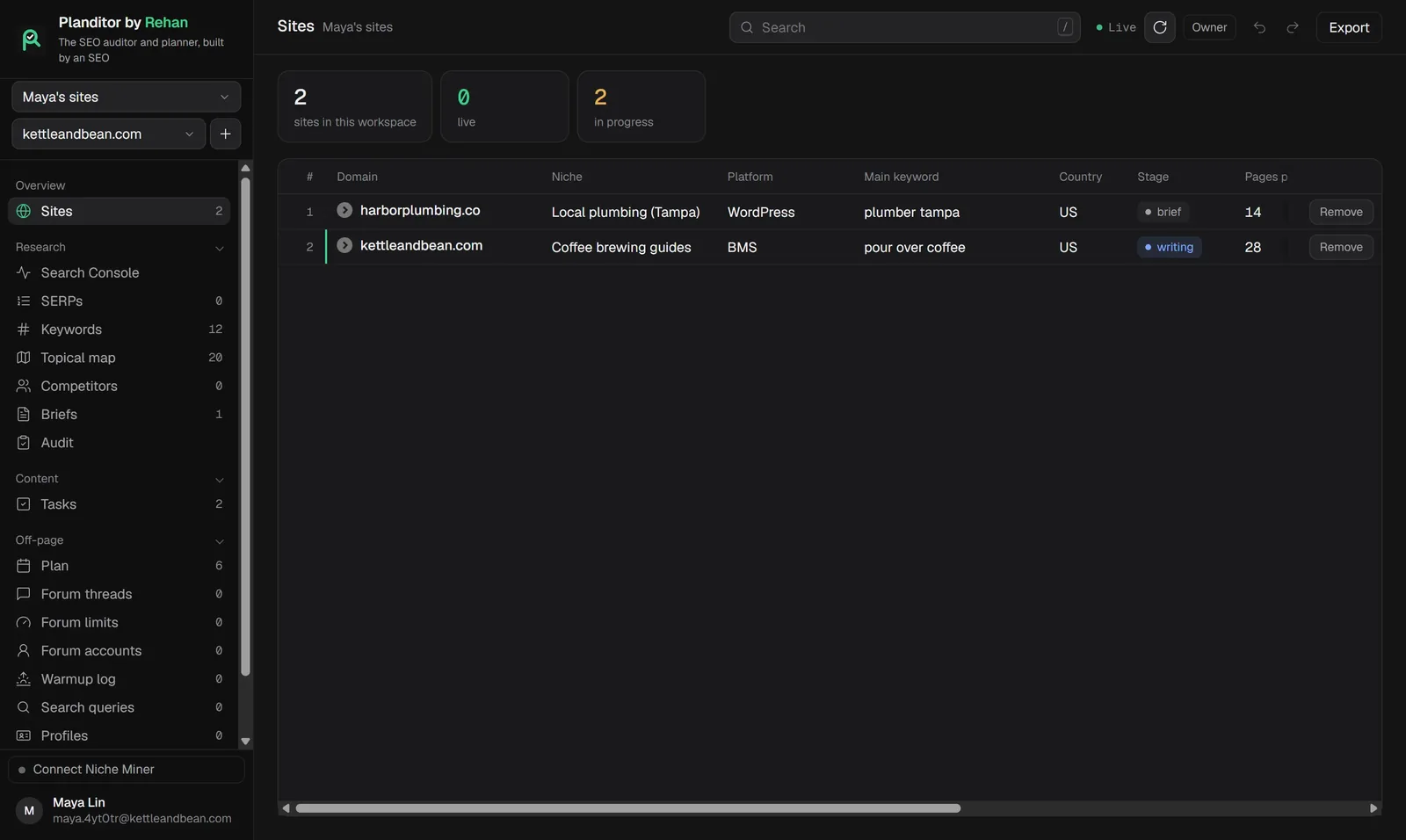
The Windows app opens your Planditor workspace in its own window with its own taskbar icon. Everything you do in it is the same account and the same data as the web app, so your team and your Claude connectors see the same thing.
- Windows 10 and 11, 64-bit
- Version 1.0.6, 78 MB
- Free: the app costs nothing, your plan is the same as on the web
Install it
- 01
Download
Press Download for Windows. The file is Planditor-Setup-1.0.6.exe.
- 02
Run the installer
Windows may show "Windows protected your PC" because the app is new and not yet signed. Press More info, then Run anyway.
- 03
Choose the folder
Keep the suggested folder or pick another. A Planditor shortcut goes on the desktop.
- 04
Log in
Log in with your Planditor account, or sign up in the app. You stay logged in next time.
What the app does differently
- It remembers the size and place of its window.
- Links to other sites open in your normal browser, so the workspace stays in its own window.
- Opening it a second time brings the open window to the front instead of starting another copy.
Questions
Yes. The app is free; Free and Unlimited plans work the same in it as on the web.
No. Everything works in any browser at app.planditor.com. The app is for people who like Planditor in its own window.
Not yet. On a Mac, use Planditor in the browser.
Download the installer again from this page and run it. Your login and settings stay.
Download Planditor for Windows
Or use Planditor in the browser: free for two sites.